
DBBet Android APK & iPhone Access
Download the Android app or add DBBet to your iPhone home screen — phone-only, both flows below.
Exact version, file size and minimum Android requirements will be published here once confirmed — we do not guess these.
Install on Android
Six steps, using your phone's browser — no app store required.
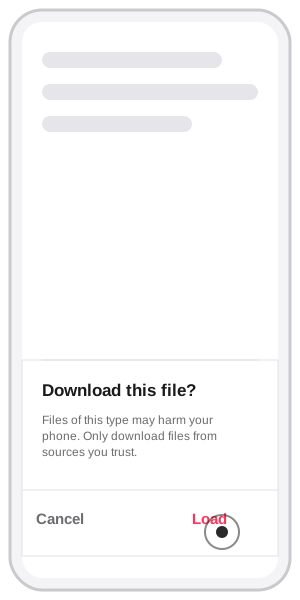
Download the file
Tap Download on the browser's file prompt ("Download this file? Files of this type may harm your phone. Only download files from sources you trust.") and tap Load/Download to confirm — this is Android's standard warning for any file from outside the Play Store, not specific to DBBet.
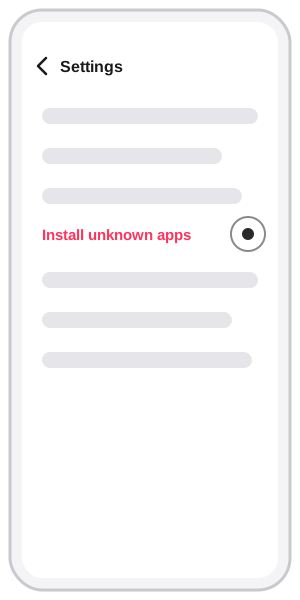
Open "Install unknown apps" in Settings
Go to Settings and open the "Install unknown apps" section.
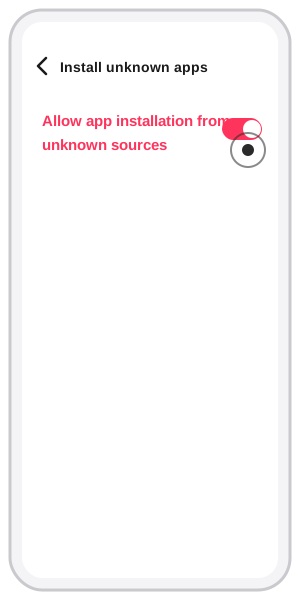
Allow installs from your browser
Toggle on "Allow app installation from unknown sources" for the browser you downloaded with.
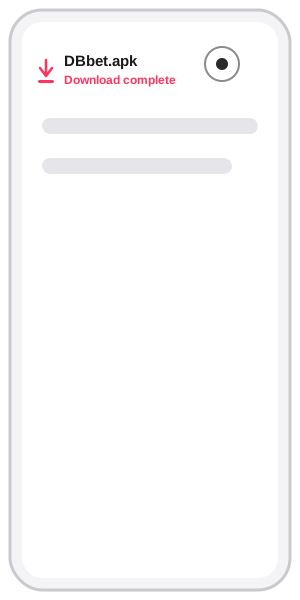
Open the downloaded file
Find DBbet.apk in your downloads once it shows "Download complete," and tap it.
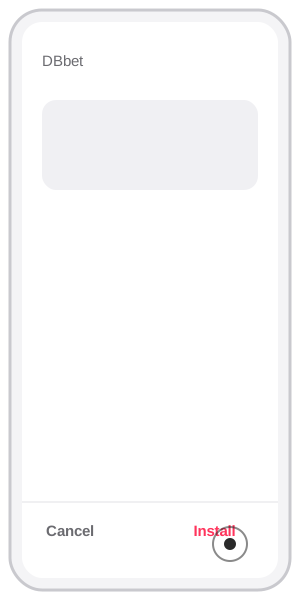
Tap Install
On the install confirmation screen (shows the app name "DBbet"), tap Install.
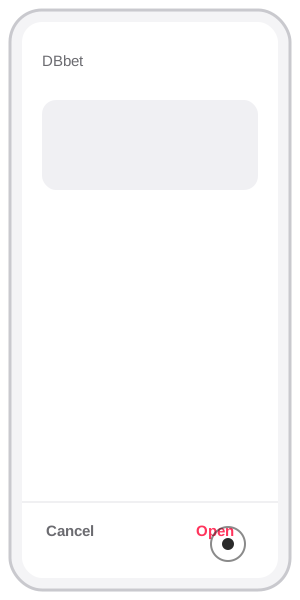
Open the app
Once installed, tap Open to launch DBbet.
Add to your iPhone home screen
No App Store download — a Safari shortcut instead.
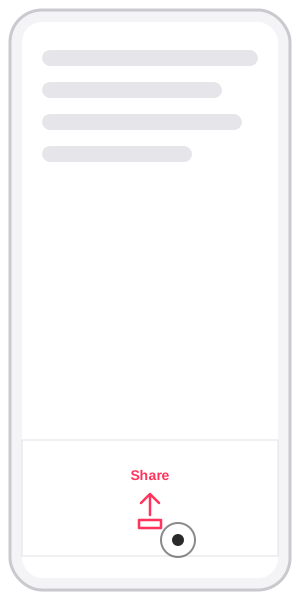
Open Share in Safari
Wait for the site to finish loading, then tap the Share icon.
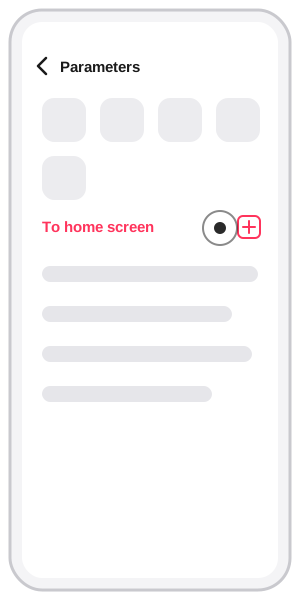
Select "Add to Home Screen"
In the share menu, choose "To home screen" / "Add to Home Screen".
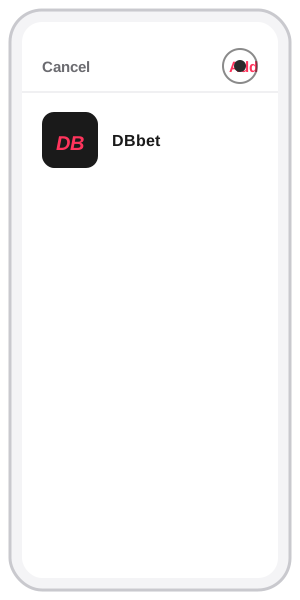
Tap Add to confirm
Tap Add in the upper-right corner — the DBbet icon appears on your home screen.